Reviving Punch Cards: How 3D Printing and OpenCV Create a Modern Twist on Ancient Storage
Remember punch cards? Those relics of early computing are getting a 21st-century upgrade. Thanks to 3D printing and computer vision, you can now encode data on durable, custom-made cards and read them with nothing more than a webcam. In this list, we explore the key features of this fascinating project—from its surprising durability to its clever error correction—and why it’s more than just a nostalgic hack.
1. The Durability Advantage: Stainless Steel vs. PLA
The original punch cards were paper, easily damaged by fire or water. This modern version uses 3D-printed PLA plastic, but the creator notes that switching to stainless steel would make them nearly indestructible. A stainless steel punch card could survive a five-alarm fire and outlast virtually everything you own. That level of resilience makes it ideal for storing critical information like passwords or private keys—the kind of data you need to preserve for decades. While PLA is a practical start, the design is material-agnostic, so you can choose the longevity you need.
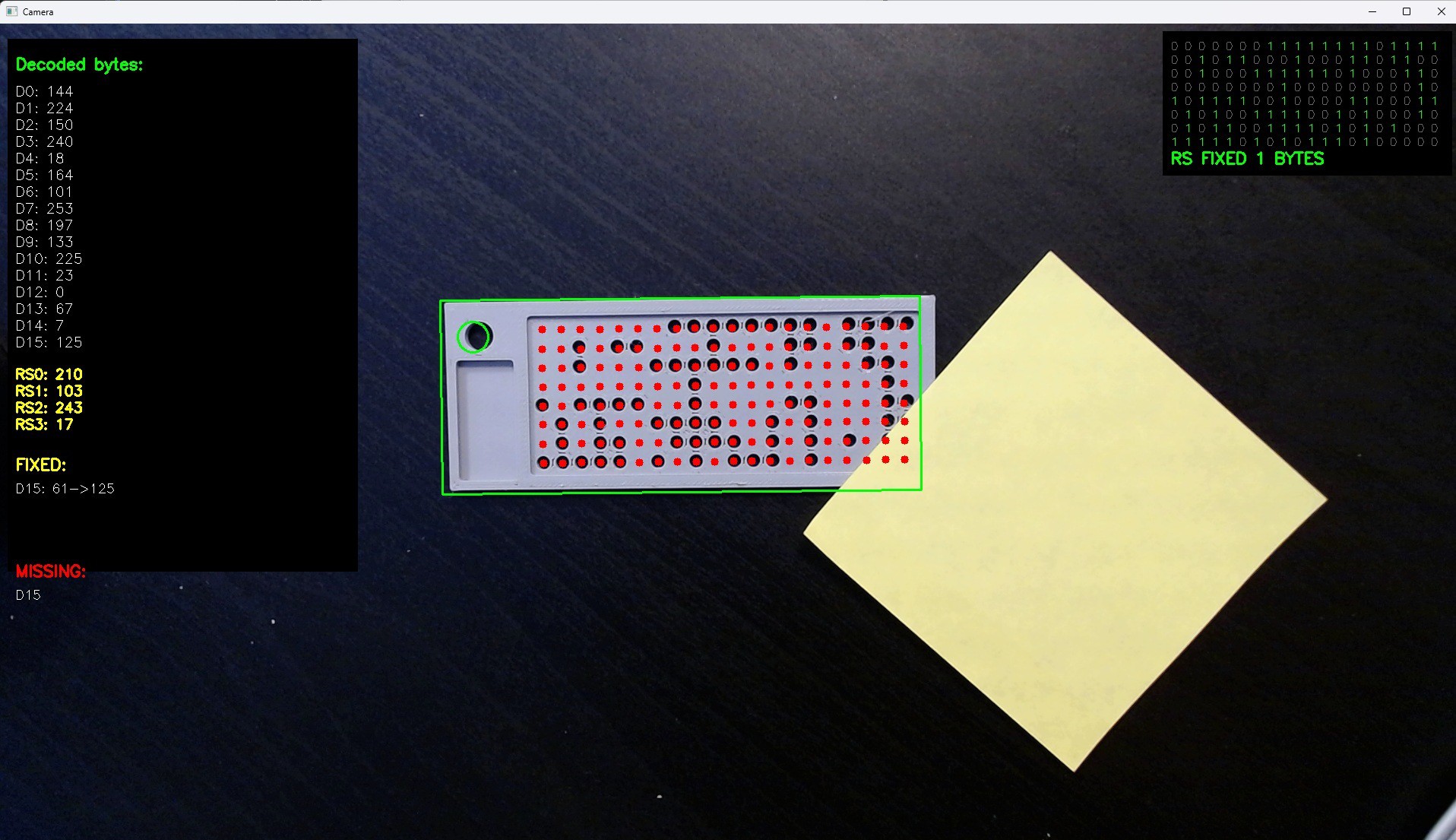
2. Storage Capacity: 16 Bytes Plus Error Correction
At first glance, 16 bytes seems laughably small. But for essential secrets—a master password, a recovery key, a short private key—it’s plenty. The card actually holds 20 bytes total: 16 for data and 4 for error correction overhead. That’s enough to encode a strong password or a small cryptographic key. And because the card is physical, it’s immune to digital attacks. You can keep it in a safety deposit box, a shoebox, or even buried in the backyard, knowing it will remain readable for years.
3. The Reed-Solomon Error Correction Magic
To ensure your data survives scratches, dust, or partial damage, the project uses the Reed-Solomon algorithm. Those 4 extra bytes aren’t just padding—they allow recovery of up to two corrupted bytes. So if a portion of the card gets smudged or the 3D print has a slight flaw, the original information can still be reconstructed. Reed-Solomon is the same technology used in CDs, QR codes, and satellite communication. It’s a robust solution for a storage medium that might face physical wear and tear.
4. Generating Cards with a Python Script
Creating your own punch card is straightforward thanks to a handy Python script. You feed it the 16 bytes you want to encode, and it generates a printable 3D model—typically an STL file. The script also embeds the error correction data automatically. You don’t need to understand the math; just run the script, send the file to your 3D printer, and in a few hours you have a physical token. The design uses standard punch card dimensions and hole patterns, making it compatible with the OpenCV reader described next.
5. Reading Cards with OpenCV and a Webcam
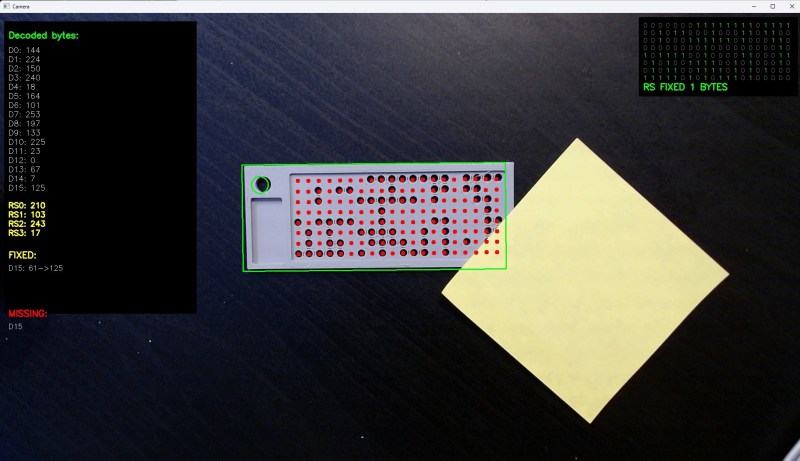
Reading the card is where the project shines. Another Python script employs OpenCV to capture an image from a webcam and decode the entire card in one snapshot. It relies on contrast: the card is light-colored PLA, placed on a black surface. OpenCV detects the card’s corners, warps the perspective, and then identifies which holes are present. This process is fast, accurate, and doesn’t require a mechanical punch card reader. In the 1960s, such image processing would have needed a supercomputer; today, it runs on a laptop.
6. The Irony: Overkill for a Simple Task
There’s a beautiful irony here. Using computer vision to read what is essentially a low-density storage medium is wildly overengineered. But that’s exactly what makes it a “great hack.” It combines modern technology (3D printing, machine learning) with a vintage concept. The contrast between the simplicity of the card and the sophistication of the reader is both amusing and impressive. It demonstrates that even outdated methods can be revitalized with a creative twist—and that sometimes the fun is in the journey, not the efficiency.
7. The Definition Dilemma: Is It Really a Punch Card?
A small controversy: since the holes are created by 3D printing (additive manufacturing), not by punching (subtractive manufacturing), can we still call it a “punch card”? The creator jokingly acknowledges this quibble. Traditionally, punch cards were made by physically removing material. Here, the holes are part of the design from the start. Yet functionally, it’s identical—holes representing binary data. Whether you call it a punch card, a 3D-printed data token, or something else, the concept remains the same. Sometimes, honoring the spirit of a technology is more important than the letter.
8. Historical Context: From Jacquard Looms to MIDI
Punch cards aren’t a modern invention. They were used in Jacquard looms to weave complex patterns, then in early digital computers like the IBM 701. Even the original MIDI specification used punch cards for configuration. This project taps into that rich history, reminding us that data storage can be physical, tactile, and durable. While cloud storage is convenient, it’s ephemeral—services shut down, formats become obsolete. A physical card, properly preserved, can outlast any digital system. It’s a throwback that might just be ahead of its time.
Whether you’re a hobbyist, a security enthusiast, or a history buff, this modern take on punch cards offers a unique blend of old and new. It proves that even the simplest ideas can be reinvented with a bit of creativity and code. So grab a 3D printer, download the script, and start encoding your digital memories into physical reality.