Microsoft Unveils Pin Clustering for .NET MAUI Maps in Latest Preview
Microsoft has answered a long-standing developer request with the release of .NET MAUI 11 Preview 3, which now includes native pin clustering support for the Map control on Android, iOS, and Mac Catalyst. The feature automatically groups nearby pins into cluster markers when zoomed out, eliminating the overlapping mess that plagued map-heavy applications.
“This has been one of the most requested features in the .NET MAUI repository,” said David Ortinau, Principal Program Manager for .NET MAUI at Microsoft. “Pin clustering gives developers a polished, production-ready way to display hundreds of pins without overwhelming the user.”
Developers can enable clustering with a single property, customize group behavior using identifiers, and handle cluster tap events with straightforward code. The feature is available immediately in .NET MAUI 11 Preview 3.
Enable Clustering
Adding pin clustering to a map requires just one line of XAML:
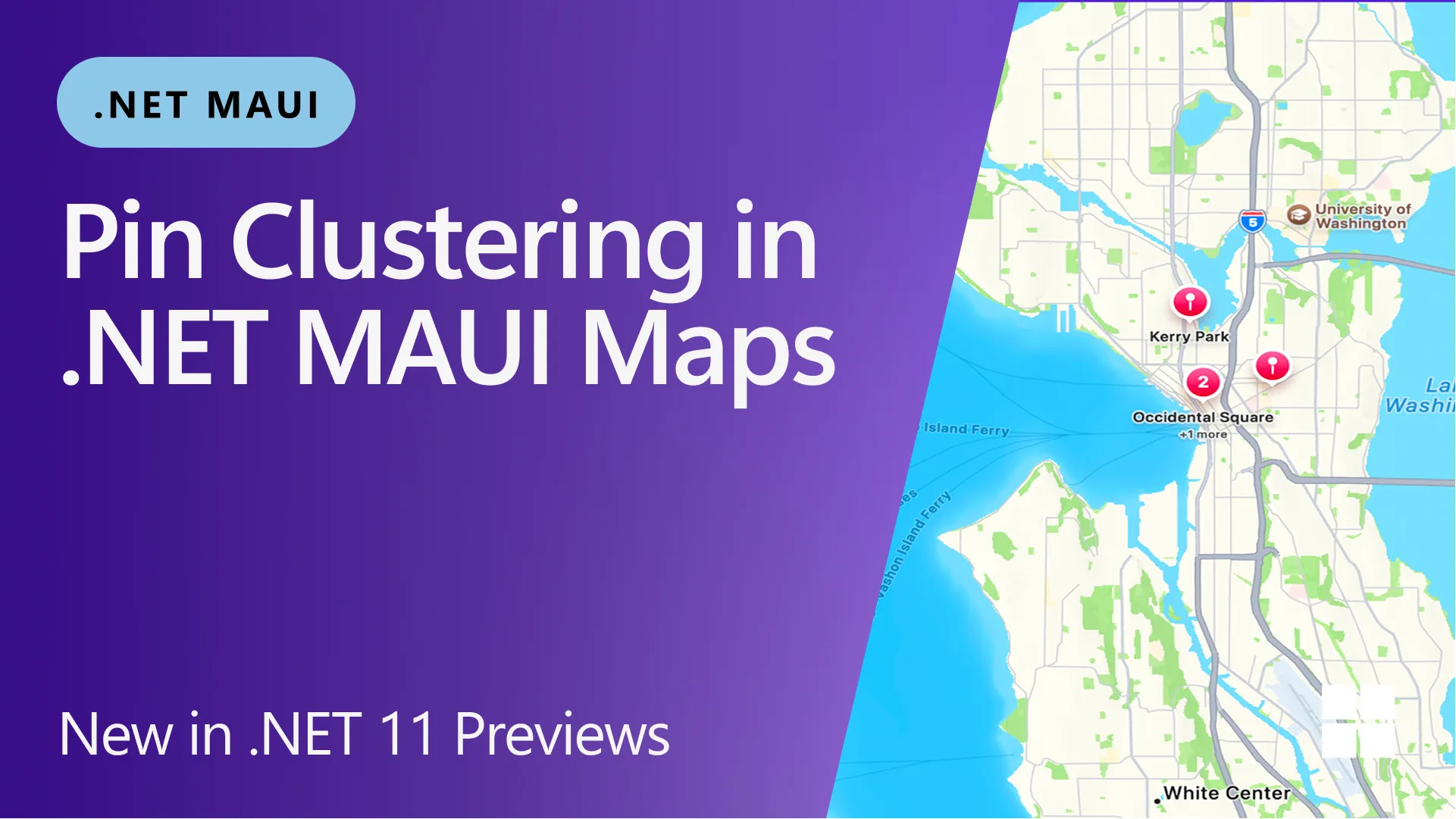
<maps:Map IsClusteringEnabled="True" />Nearby pins are automatically grouped into clusters with a count badge. No external libraries or complex configuration are needed.
Separate Clustering Groups
Not all pins are equal. Developers can assign a ClusteringIdentifier to each pin, ensuring coffee shops cluster independently from parks, or hotels separately from attractions.
map.Pins.Add(new Pin {
    Label = "Pike Place Coffee",
    Location = new Location(47.6097, -122.3331),
    ClusteringIdentifier = "coffee"
});

map.Pins.Add(new Pin {
    Label = "Occidental Square",
    Location = new Location(47.6064, -122.3325),
    ClusteringIdentifier = "parks"
});
Pins with the same identifier cluster together; different identifiers form independent clusters even when geographically close. Pins without an identifier share a default group.
Handle Cluster Taps
When a user taps a cluster, the ClusterClicked event fires with a ClusterClickedEventArgs object that exposes the contained pins, the geographic center, and a Handled property to override the default zoom behavior.
map.ClusterClicked += async (sender, e) => {
    string names = string.Join("\n", e.Pins.Select(p => p.Label));
    await DisplayAlert(
        $"Cluster ({e.Pins.Count} pins)",
        names,
        "OK");
    // e.Handled = true; // Suppress default zoom
};
Event args include:
- Pins — the collection of pins in the cluster
- Location — the geographic center of the cluster
- Handled — set to
trueto handle the tap without the default zoom
Platform Notes
On Android, clustering uses a custom grid-based algorithm that recalculates as the zoom level changes, with no external dependencies. On iOS and Mac Catalyst, the feature leverages native MKClusterAnnotation support in MapKit, providing smooth, platform-native cluster animations.

Background
Pin clustering was a top community request (issue #11811) for .NET MAUI Maps. Map-heavy apps—such as travel guides, delivery trackers, and event maps—often display dozens or hundreds of pins, creating an unmanageable user interface. Previous workarounds required third-party libraries or manual clustering logic.
“Our goal was to make a production-ready feature that developers can drop in with minimal effort,” added Ortinau. “The community feedback on the Preview has been incredibly positive.”
What This Means
For .NET developers building mobile apps with maps, this release eliminates a major pain point. Pin clustering is now a first-class citizen, supported across Android and iOS with a unified API. The single-property activation and flexible grouping options mean teams can ship map features faster, with less code and better user experience.
Developers can try the feature immediately by installing .NET 11 Preview 3. The maui-samples repository includes a dedicated Clustering page that demonstrates grouping and tap handling. Full API documentation is available in the Maps documentation.